- Role
- Designed and implemented the editor, drag-and-drop rule builder, keyboard visualization, conflict validation, and structured JSON export workflow.
- Team
- Personal project
The challenge
Karabiner-Elements configurations can contain detailed keyboard mappings and complex modification rules. The project set out to provide a visual workflow for working with those files.
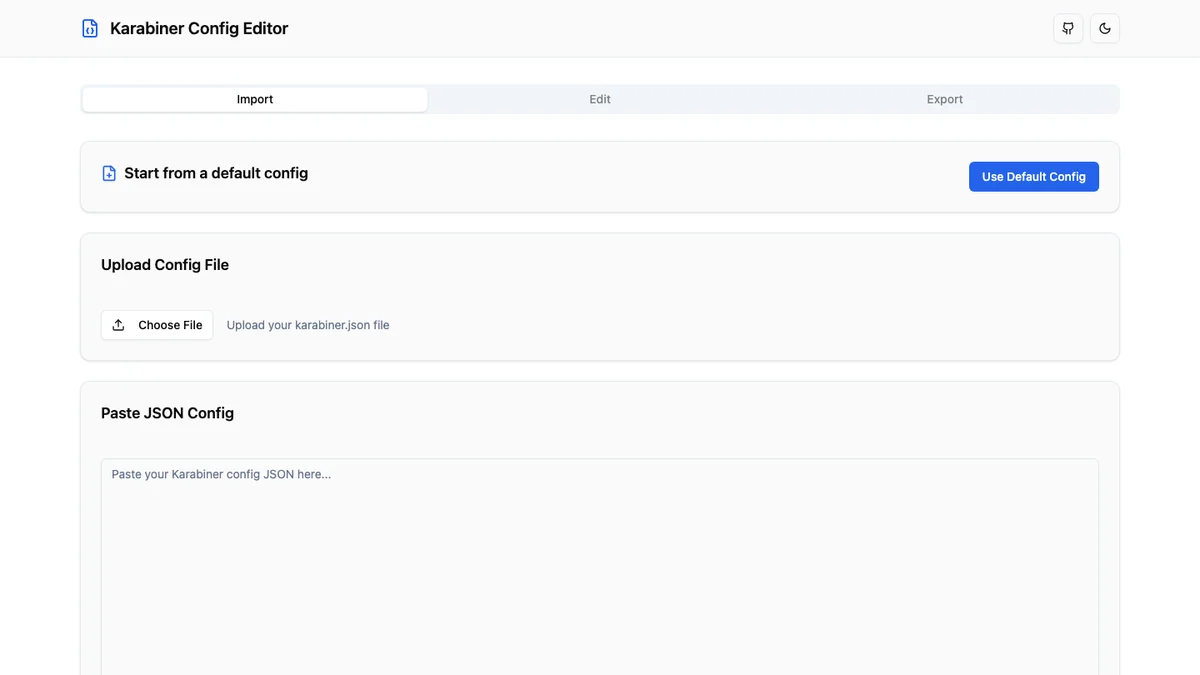
The editor needed to support importing an existing configuration, changing it through direct interactions, validating conflicts, and exporting structured JSON again.
Key decisions
01
Use a visual editing workflow
The interface organizes configuration work around visible rules and keyboard layouts instead of requiring every change to be made directly in JSON.
Tradeoff: The visual model still has to represent the structure and flexibility expected by Karabiner-Elements configurations.
02
Make rules directly composable
A drag-and-drop rule builder makes complex modifications easier to assemble and inspect as part of the editing flow.
03
Validate before export
Conflict validation and schema-aware handling are part of the workflow so problems can be surfaced before a configuration is exported.
Implementation
Editor and data workflow
The application uses Next.js, React, and TypeScript for the editor experience. Imported configuration data moves through editing and validation before returning to a structured JSON export.
Zod supports schema-aware validation, while Tailwind CSS provides the interface system used across the editing flow.
Keyboard and rule interaction
The interface includes keyboard visualization for ANSI, ISO, and JIS layouts alongside a drag-and-drop rule builder powered by dnd-kit.
Conflict feedback is presented within the workflow so configuration issues can be addressed while editing.
Outcomes
Public implementation
Open source
The project source is publicly available for review, including the editor and validation workflow.
View sourceDeployed application
Live
A deployed version makes the visual configuration workflow available in the browser.
View source